STARTING AN IPAD PHOTO BOOTH BUSINESS
HOW TO START AN IPAD PHOTO BOOTH BUSINESS.
A practical roadmap for turning an iPad photo booth into a real business — from choosing equipment and software to creating packages, finding customers and booking your first events.
FROM BOOTH OWNER TO BUSINESS OWNER
BUYING THE BOOTH IS THE EASY PART.
Starting an iPad photo booth business does not require a huge studio, complicated camera equipment or a giant staff. But it does require more than simply owning the booth.
You need reliable equipment, software you understand, packages people can buy, a way for customers to find you, a contract, a booking process and enough practice to confidently run your first paid event.
The good news is that you can build those pieces one at a time.
See the Complete Starter Playbook →THE STARTUP ROADMAP
START HERE. THEN BUILD ONE PIECE AT A TIME.
Choose the Booth
Start with reliable hardware that holds the iPad securely, provides good lighting and can handle real event use.
Choose the iPad
Pick a compatible iPad with enough storage and performance for the photo booth software you plan to use.
Choose Software
Learn the app you will actually run at events before chasing every possible feature.
Create Packages
Make it easy for a customer to understand exactly what they are buying.
Get Online
Create a basic website and social presence so customers can find you and see that your business is real.
Start Booking
Practice first, begin talking to potential customers and build the business by actually running events.
IPAD PHOTO BOOTH EQUIPMENT
WHAT DO YOU ACTUALLY NEED?
It is easy to turn a startup equipment list into a shopping spree. Start with the pieces required to create a dependable guest experience and add extras as the business grows.
Photo Booth Enclosure or Stand
A stable booth that securely holds your iPad and lighting.
Compatible iPad
Your iPad becomes the camera, interface and operating device for the digital booth.
Lighting
Consistent lighting can make a bigger difference than buying the most expensive tablet available.
Power & Cables
Reliable chargers, extension cords and backups matter when the booth has to operate for hours.
Transport & Event Gear
Cases, tables, props, backdrops and other event equipment can be added according to the packages you sell.
IPAD PHOTO BOOTH SOFTWARE
YOU DON'T NEED EVERY FEATURE ON DAY ONE.
Photo booth software can handle photo capture, templates, galleries, digital sharing and other event functions.
For a new business, reliability and ease of use matter more than trying to build the most complicated booth experience in your market before you have run your first event.
PACKAGES & PRICING
MAKE IT EASY TO BUY.
Define the Experience
Decide what the customer receives: digital photos, prints, backdrop, props, attendant time or other features.
Define the Time
Make it clear how many event hours are included and how additional time is handled.
Give It a Price
Customers should be able to understand your offer without decoding a giant menu of small fees.
GETTING YOUR FIRST BOOKINGS
YOUR FIRST CUSTOMER MAY ALREADY KNOW YOU.
New photo booth owners often assume they need thousands of followers before anyone will book them. Early bookings can come much closer to home.
Your job at the beginning is to make people aware that you now have a real service they can hire.
WANT THE WHOLE ROADMAP?
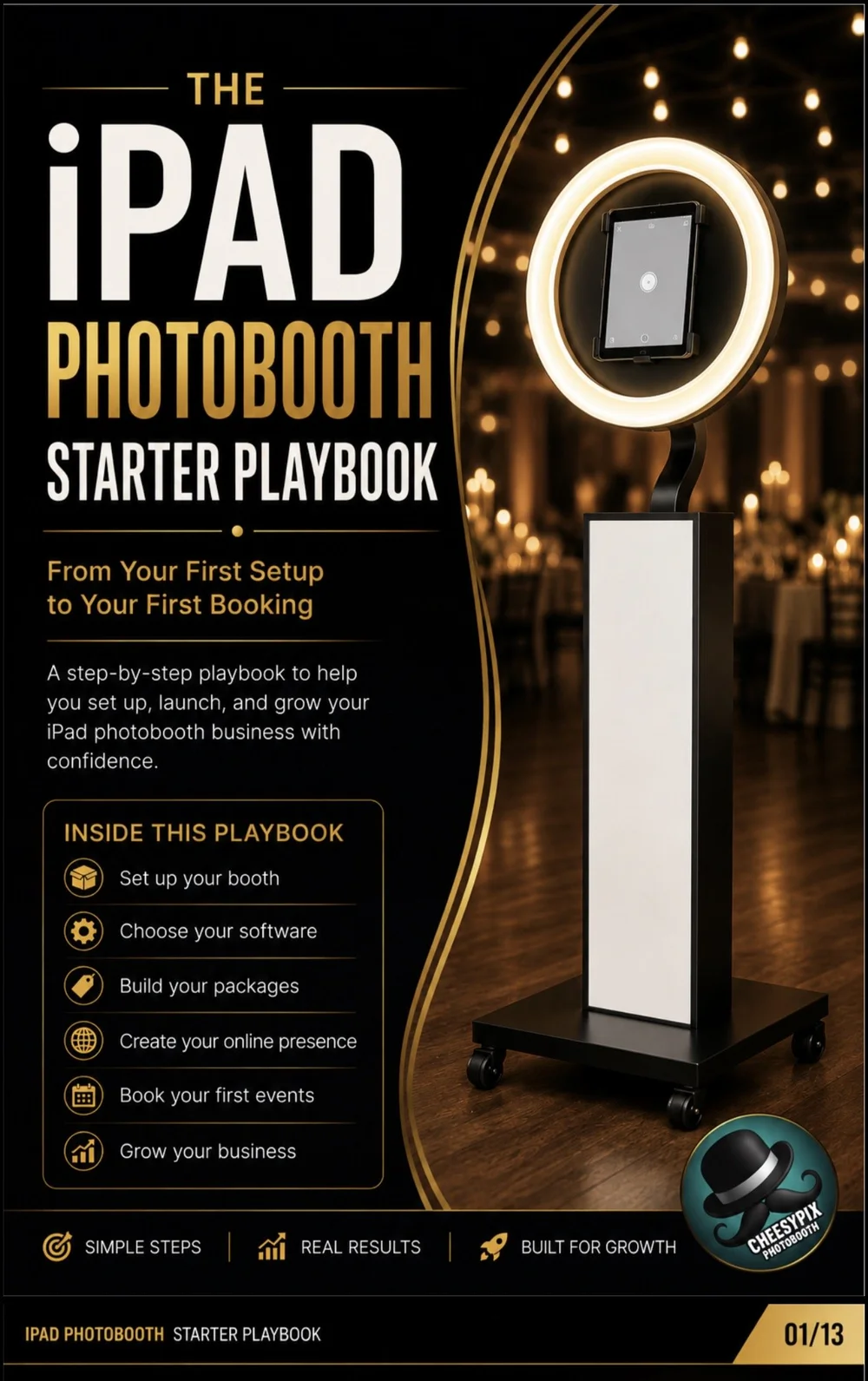
THE IPAD PHOTOBOOTH STARTER PLAYBOOK.
The Starter Playbook walks through the process in order: setting up and testing your booth, choosing an iPad, choosing software, building packages, creating your business presence, using a contract, practicing the workflow, finding first clients and creating ongoing marketing habits.
It is designed for the person who wants to start moving instead of spending the next six months researching what to do next.
STARTING AN IPAD PHOTO BOOTH BUSINESS
CAN YOU REALLY BUILD A PHOTO BOOTH BUSINESS AROUND AN IPAD?
Yes. Modern iPad photo booths use the tablet as the camera, guest interface and operating device. With compatible booth hardware and photo booth software, an iPad can support a digital photo booth experience suitable for paid events.
But the business is not created by the iPad itself. The business is created by combining dependable equipment with a service people understand and a repeatable process for finding and serving customers.
Start by learning your own booth.
Assemble the booth before worrying about logos, social media or advertising. Learn how quickly you can set it up, where the power connections are, how the lighting behaves and how the iPad is mounted.
Learn your software before the first event.
Create test events. Build sample photo layouts. Practice starting and ending sessions. Test digital sharing. Make mistakes while nobody is paying you to know what you're doing.
Keep your first packages simple.
You do not need ten packages and twenty-six add-ons. You need a clear offer that tells customers what they receive, how long they receive it and what it costs.
Create a basic online presence.
A website does not need to be enormous before you begin. It needs to explain what you offer, show what the experience looks like, identify where you operate and give customers a way to contact you.
Use a written agreement.
Before accepting paid bookings, put event information, package details, payment expectations, cancellation or rescheduling terms and other important policies in writing.
Run a practice event.
A practice event lets you discover setup problems, guest-flow issues, sharing problems and other surprises before they happen during a paid event. It also gives you authentic photos and video you can use to begin marketing.
Then start telling people.
Businesses do not get booked simply because they exist. Tell your existing network. Post your booth. Connect with venues. Introduce yourself to event professionals. Ask early customers for reviews and referrals. Keep repeating the things that create conversations.
IPAD PHOTO BOOTH BUSINESS FAQ
STARTUP QUESTIONS. ANSWERED.
Can I start a photo booth business with an iPad? +
Yes. A compatible iPad can serve as the camera and operating device for a modern digital photo booth when paired with appropriate booth hardware and photo booth software.
Do I need an iPad Pro for a photo booth business? +
Not necessarily. Compatibility, reliability and useful storage are more important than automatically buying the most expensive iPad available.
What equipment do I need for an iPad photo booth business? +
At minimum, you need compatible booth hardware, an iPad, lighting, power equipment and photo booth software. Additional items such as backdrops, props and printers depend on the services you plan to offer.
What software should a beginner use for an iPad photo booth? +
Look for software that reliably handles the core experience you plan to sell, including photo capture, editable layouts and the sharing features you need.
How should I price my first photo booth packages? +
Start with clear packages that define event time, included features and total price. Research competitors in your own market and adjust as you gain experience.
Do I need a website before taking photo booth bookings? +
A simple website is highly useful because it gives potential customers a place to understand your service, see examples and contact you. It does not need to be large or complicated.
Should I run a practice event before charging customers? +
Yes. A practice event lets you test your setup, software, guest flow, sharing and teardown in a realistic environment before your first paid booking.
How do I get my first photo booth clients? +
Begin with your existing relationships and local network. Friends, family, schools, churches, community organizations, venues and event professionals can all create early opportunities.
READY TO START?
STOP COLLECTING ADVICE. START BUILDING THE BUSINESS.
The iPad Photobooth Starter Playbook gives you a practical sequence for moving from equipment to your first real bookings.