

iPad Photo Booth Equipment Guide
Start with what actually gets you through real events. Skip the expensive extras you don't need yet, then add equipment in the order that makes sense as your bookings grow.
A practical buying roadmap for new and growing iPad photo booth owners.
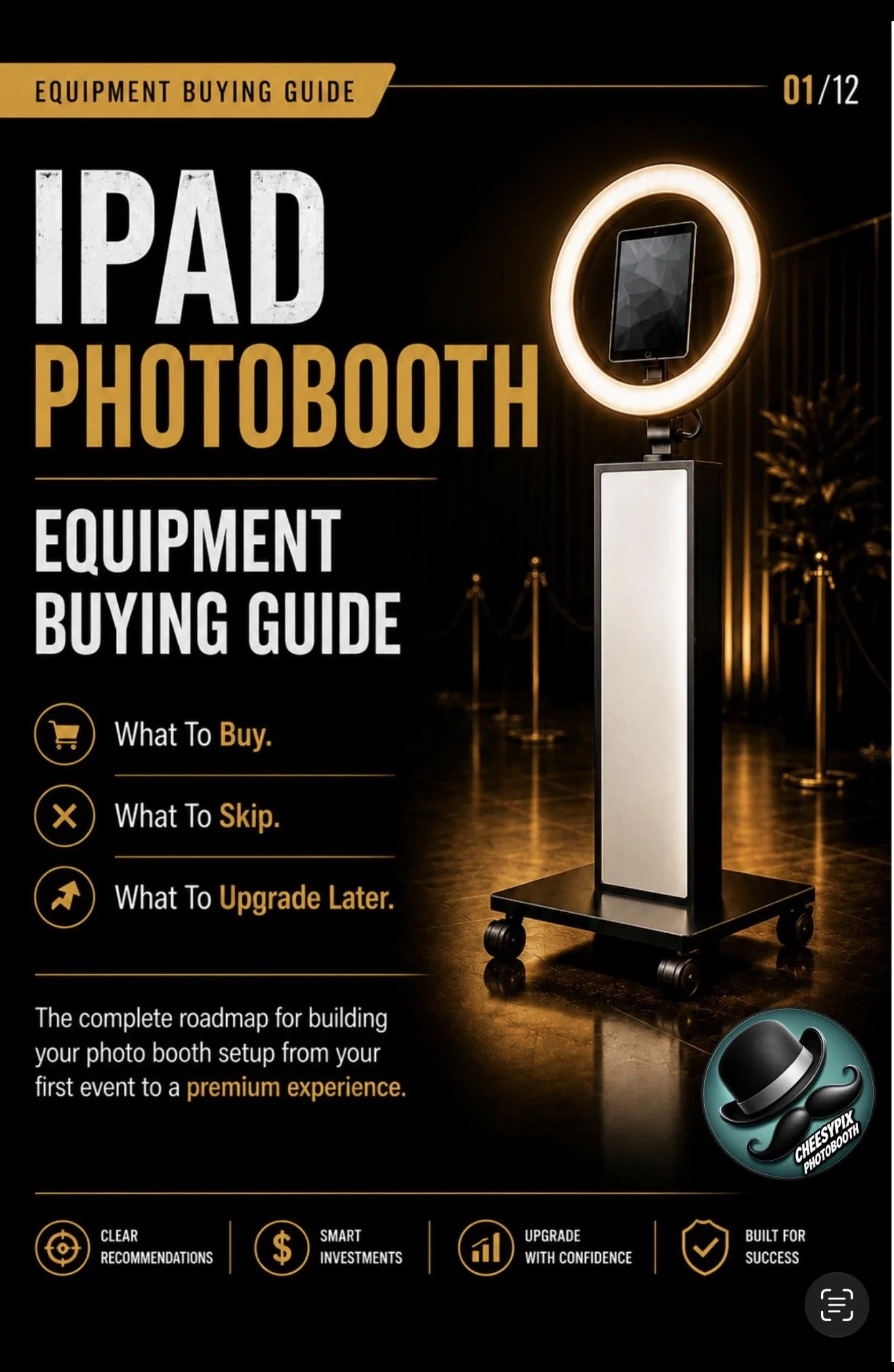
You Need Less Than You Probably Think
A beginner photo booth setup does not have to include every backdrop, prop, printer, light, sign, and add-on you've seen online. The simplest version of the business is much smaller.
The basic setup
At the center are a photo booth stand and an iPad. Add booth software, power, and a few practical event supplies and you can already run digital events with photos, GIFs, boomerangs, text sharing, email sharing, and online galleries.
Booth Stand
The physical booth and iPad enclosure.
iPad
Your camera, touchscreen, and sharing station.
Software
Runs captures, sharing, templates, and galleries.
Event Basics
Power, charging, extension cords, tape, and backup essentials.
Build the Business in Levels
Think of equipment as a sequence, not a shopping spree. Each level adds capability without forcing you to buy the entire business on day one.
Simple Digital Booth
Booth, iPad, software, and event essentials.
$500–$1,000
Backdrop + Props
Improve presentation and guest interaction.
$150–$500
Printing
Add onsite prints after bookings justify the investment.
$900–$1,800
Add-Ons
Audio guestbooks, video, uplighting, yard games, and more.
$100–$2,500+
What About the iPad?
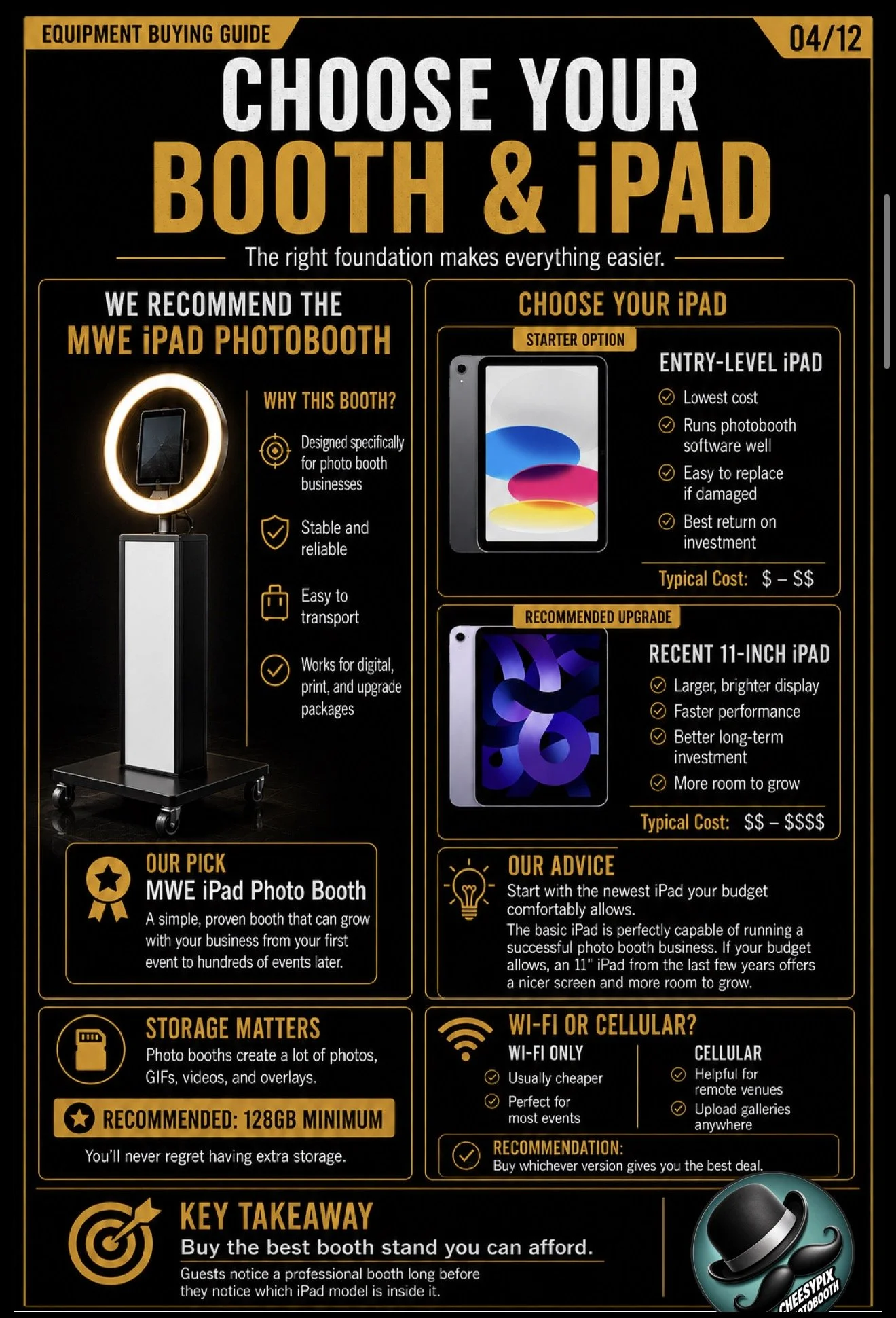
You do not need the most expensive model Apple sells. A capable iPad paired with dependable booth software can carry the core experience.
- Entry-level iPads can work well for photo booth events.
- A recent 11-inch iPad gives you a larger display and more room to grow.
- The guide recommends at least 128GB of storage.
- Wi-Fi-only models are generally cheaper; cellular can help at remote venues.
Do You Need a Printer?
No — not automatically. A digital booth can already deliver a complete guest experience. Printing becomes more attractive when customers request it or your package pricing supports the added equipment.
- Start digital if that keeps your initial investment manageable.
- When you add prints, you need more than just the printer itself.
- The guide walks through the supporting computer, networking, media, and cable setup too.
What You Probably Shouldn't Buy Yet
Premium equipment isn't the problem. Buying capability before you have a use for it is.
Too many backdrops
A few flexible choices beat filling a room with backdrop inventory before bookings exist.
A giant prop collection
You can create a fun guest experience without buying hundreds of props on day one.
Duplicate expensive gear
Extra printers, computers, and booths make more sense after your calendar proves you need them.
The Page Gives You the Idea. The Guide Gives You the Roadmap.
This page explains the strategy. The guide organizes the actual equipment decisions into a visual, step-by-step plan.
- A step-by-step equipment buying order
- Specific booth and iPad guidance
- Realistic investment ranges
- The complete print-package setup
- Backdrops, props, signs, and practical event gear
- An event go-bag checklist
- A pre-event equipment checklist
- An upgrade roadmap for what to add next
- Easy add-ons that can increase package value
Know What to Buy. Know What Can Wait.
If you're trying to figure out what equipment to buy first, when printing makes sense, what belongs in your event kit, and what to upgrade later, the guide puts the whole path in one place.
iPad Photo Booth Equipment FAQ
What equipment do I need to start an iPad photo booth business?
A simple setup can begin with a photo booth stand, compatible iPad, booth software, charging equipment, a power strip, extension cord, and basic event supplies. Backdrops, printing, props, and add-ons can come later.
Do I need a photo booth printer when I start?
No. A digital iPad booth can provide photos, GIFs, boomerangs, text sharing, email sharing, and an online gallery without printing.
How much does a basic iPad photo booth setup cost?
The buying guide estimates roughly $500–$1,000 for a simple digital setup, depending on your booth stand and iPad choice.
What should I upgrade first?
The guide's roadmap starts with the booth and iPad, then builds through presentation upgrades, printing, and additional services as bookings grow.