Space, Power, Access & Venue Requirements
A client can book the perfect photo booth package and still create a terrible setup if the venue has no usable power, no room, no load-in access or a surprise rule nobody mentioned. Your contract should make venue responsibilities clear before event day.
GET THE CONTRACT GUIDE + TEMPLATEYour booth needs more than an invitation.
Clients understandably think about the fun part: the photos, backdrop, props, prints and guest experience.
Photo booth operators also have to think about the less glamorous details — electrical outlets, floor space, loading access, parking, weather, venue rules and whether a giant staircase suddenly appears between the parking lot and the ballroom.
Those details can determine whether setup is easy, difficult or impossible.
A photo booth rental agreement can establish what conditions your company requires and who is responsible for confirming that the venue can accommodate them.
Eight venue issues worth addressing in your contract.
The exact requirements depend on your booth, equipment and business model, but these are common areas where event-day misunderstandings happen.
Minimum booth space
Your client may picture the booth taking up about as much room as an iPad stand.
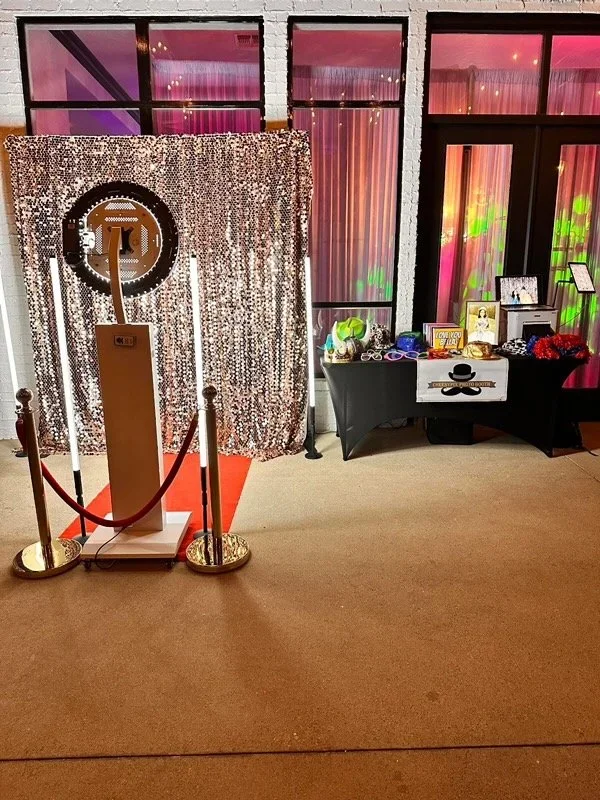
In reality, your setup might include a backdrop, printer, attendant table, props, lighting equipment and enough room for guests to stand safely.
Consider documenting: approximate footprint, ceiling requirements when relevant and space needed for guest flow.
Electrical power
If your booth requires electrical power, your agreement should make that requirement clear.
Depending on your equipment, you may want access to a nearby outlet or circuit that is not overloaded with catering equipment, DJs, coffee makers or other high-draw devices.
Think through: outlet location, extension-cord distance, circuit demands and safe cable routing.
Wi-Fi and cellular connectivity
Many booths can capture photos without internet access while features such as text sharing, email delivery or cloud uploads depend on connectivity.
A venue may technically have Wi-Fi but provide service too weak or congested to support reliable sharing.
Your agreement can clarify which features depend on third-party networks and how delayed delivery is handled when connectivity is poor.
Setup and teardown access
Operating hours are only part of the time your team needs onsite.
The venue must allow enough time before the event for unloading, setup, testing and any required coordination with venue staff. Your team also needs reasonable access afterward to remove the equipment.
Parking and load-in
A venue with a nearby loading door is very different from one where your team has to park three blocks away and move equipment through a hotel lobby.
Decide how your company handles loading zones, vendor parking, paid parking, valet requirements and unusually long equipment transport.
Stairs, elevators and difficult access
Large printers, backdrop stands and booth cases are not always stair-friendly.
If you require elevator access or advance notice of difficult load-in conditions, your agreement is a good place to establish that expectation.
Venue rules and restrictions
Venues may have rules about power use, wall attachments, backdrops, lighting, extension cords, vendor insurance, setup times or equipment placement.
Consider requiring the client to confirm that the venue permits the services they booked and to disclose important restrictions before the event.
Outdoor placement and weather protection
Outdoor booths create a separate set of venue requirements.
Your equipment may need overhead shelter, level flooring, protection from rain, wind limits, appropriate temperatures and safe access to power.
Define those conditions before someone points at a patch of grass and says, “We thought you'd just put it there.”
The venue can change the entire job.
“There's an outlet right over there.”
Unfortunately, that outlet may also be powering the DJ, coffee bar, catering equipment and half the ballroom. Define the electrical conditions your booth actually requires.
“We moved you to another room.”
The new location may not have adequate space, power, cellular reception or guest traffic. Your contract can establish minimum setup requirements.
“The Wi-Fi password is on the wall.”
That doesn't mean the network will support hundreds of guests and your photo-sharing traffic. Make connectivity limitations clear.
“You have ten minutes to load in.”
If the venue restricts setup times, your client needs to coordinate those details before event day.
“You'll have to take the stairs.”
That may be fine for a lightweight digital booth and completely unrealistic for another setup. Access requirements depend on your equipment.
“It's outside, but there's a tent.”
A tent may not solve wind, rain runoff, unstable flooring, temperature or electrical-safety concerns. Your policy should define acceptable outdoor conditions.
Venue problems become contract problems when nobody discussed them.
The CheesyPix Photo Booth Contract Guide addresses venue access, power, Wi-Fi, weather, safe working conditions and other operational details along with payments, cancellations, galleries and equipment.
GET THE PHOTO BOOTH CONTRACT GUIDEThose are two very different operating environments.
Indoor setup considerations
- Available floor space
- Ceiling height when relevant
- Electrical outlet location
- Safe cord routing
- Loading access
- Elevators or stairs
- Venue rules
- Wi-Fi or cellular service
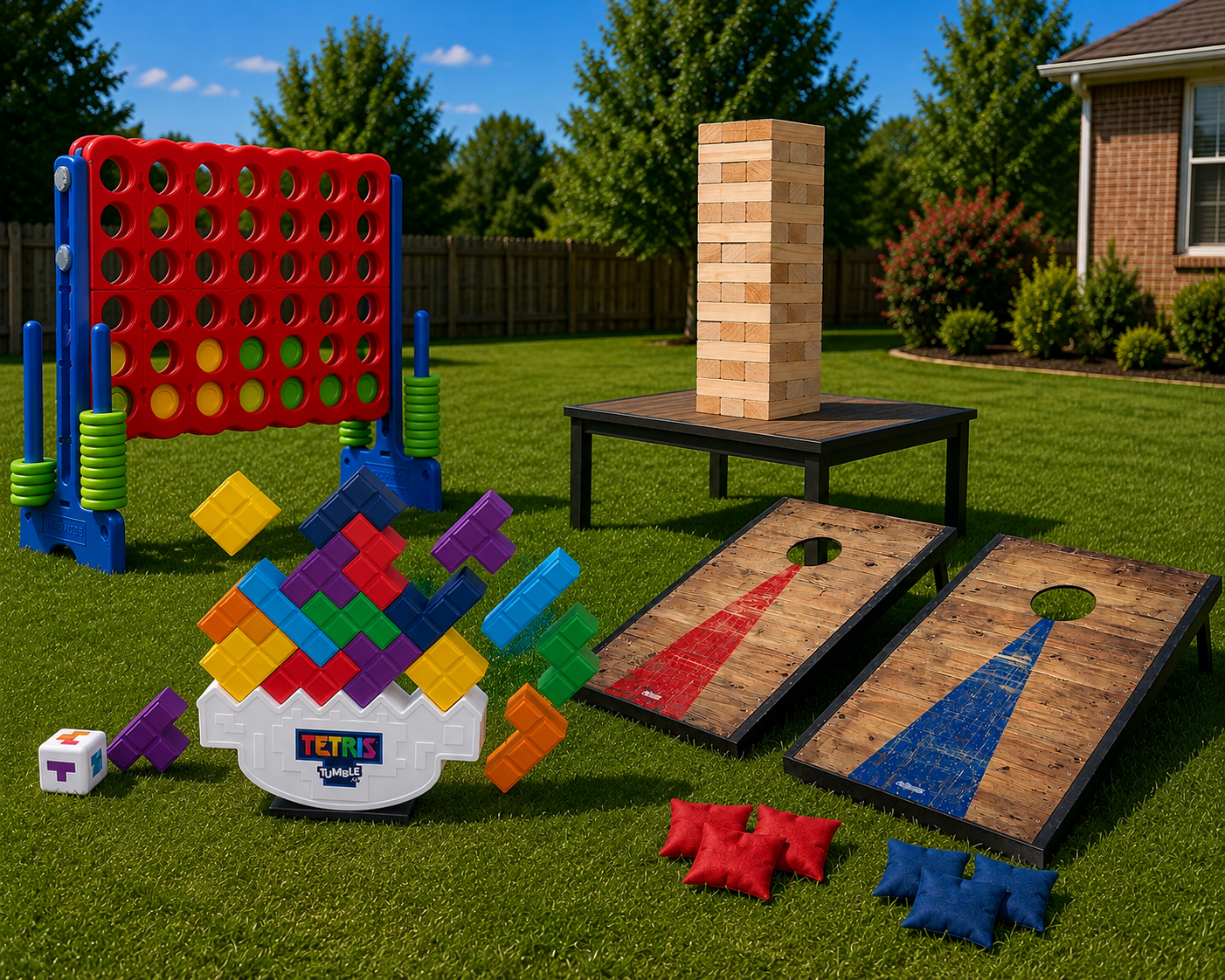
Outdoor setup considerations
- Rain protection
- Wind
- Stable, level flooring
- Temperature
- Sun exposure
- Safe electrical access
- Distance from parking
- Backup indoor location
Who is responsible for confirming the venue works?
The booth company may know exactly what the equipment needs, but the client usually has the relationship with the venue.
Your agreement can establish who is responsible for confirming venue approval, adequate setup space, power access and other conditions before the event.
This is particularly useful when the venue changes its rules after the booking or prevents the setup originally requested by the client.
The goal is not to assign blame for every possible venue issue. It is to make everyone understand what has to be arranged for the contracted service to happen successfully.
Things worth confirming before you roll the booth through the door.
Know the room, approximate placement and available footprint.
Confirm power before your equipment is already unloaded.
Loading dock, service entrance, hotel lobby or another route.
Determine whether elevator access is available for heavy equipment.
Note paid parking, valet requirements and transport distance.
Make sure venue access allows enough time to build and test.
Some facilities require certificates or other vendor documentation.
Ask about backdrops, lights, extension cords and placement rules.
Know which features depend on Wi-Fi or cellular connectivity.
Common setup questions.
How much space does a photo booth need?
Space requirements vary by booth type and setup. A compact digital booth may require relatively little room, while a booth with a backdrop, printer, attendant station and guest queue may require significantly more. Your contract should reflect the actual footprint your equipment needs.
Should photo booth power requirements be in the contract?
If your booth requires electrical power, documenting that requirement can help prevent event-day problems. Your agreement can specify reasonable access to appropriate power and safe cable placement.
Does a photo booth need Wi-Fi?
That depends on the booth and services offered. Many booths can capture photos without internet access, while text sharing, email, cloud uploads or other features may rely on Wi-Fi or cellular connectivity.
Who should confirm that the venue allows a photo booth?
Your agreement can establish which party is responsible for confirming venue approval and communicating important venue rules. The exact allocation of responsibilities is a business and contract decision.
Should my contract mention stairs and elevators?
If difficult access materially affects setup, staffing or the ability to move equipment, it can be useful to require clients to disclose those conditions before the event.
Can I refuse an unsafe outdoor photo booth setup?
Your agreement can establish safe operating requirements for weather, shelter, flooring and electrical conditions. Safety-related provisions should reflect your actual equipment and business practices, and legal guidance may be appropriate for your final contract language.
Venue terms are one piece of the agreement.
A ballroom isn't automatically a good booth location.
Start with a contract framework that thinks about the actual work: venue access, space, power, Wi-Fi, weather, payments, cancellations, equipment and everything else that can suddenly become your problem on event day.
GET THE PHOTO BOOTH CONTRACT GUIDEImportant: This page and the CheesyPix Photo Booth Contract Guide are provided for educational and informational purposes only and are not legal advice. Venue requirements, responsibilities, safety standards and contract laws vary by business and jurisdiction. Customize your agreement for your specific operation and seek advice from an appropriately licensed professional when needed.