CHOOSING AN IPAD FOR YOUR PHOTO BOOTH
WHAT'S THE BEST IPAD FOR A PHOTO BOOTH BUSINESS?
You probably do not need the most expensive iPad Apple sells. What matters is choosing a reliable model that works with your booth, supports your software and can handle the experience you plan to sell.
DON'T BUY BY MODEL NAME ALONE
THE BEST IPAD IS THE ONE THAT FITS THE BUSINESS.
When someone starts an iPad photo booth business, it is easy to assume that buying the newest or most expensive tablet automatically creates the best booth.
It does not.
Your iPad needs to fit your booth enclosure, support your chosen photo booth software, provide the performance and storage you need, and deliver a dependable guest experience at events.
See How to Start an iPad Photo Booth Business →WHAT TO LOOK FOR
SIX THINGS MATTER MORE THAN HAVING THE FANCIEST IPAD.
Booth Compatibility
Make sure the iPad physically fits the enclosure or mount used by the booth you plan to operate.
Software Compatibility
Confirm that your preferred photo booth app supports the iPad model and operating system you plan to use.
Camera Quality
The camera should produce results you are comfortable delivering to paying customers.
Storage
Events can create a lot of photos and video. Leave yourself enough room to operate comfortably.
Performance
Your booth needs to keep running smoothly while capturing, processing and sharing content throughout an event.
Reliability
A slightly older reliable iPad can be far more useful to your business than buying features you will never use.
DO YOU NEED AN IPAD PRO?
NOT AUTOMATICALLY.
A new owner should think about what the booth actually needs before assuming the word “Pro” belongs on the shopping list.
The better question is whether the iPad works with your booth and software and gives you enough performance and storage for the kind of events you plan to run.
Start With Compatibility
If it does not fit your booth or support your app, nothing else matters.
Buy Enough Performance
Choose enough power for the photo, sharing and video features you expect to use.
Leave Room to Grow
Avoid buying something already so limited that you will immediately need to replace it.
Don't Overspend Just Because You Can
Money saved on unnecessary hardware can be used elsewhere in the business.
NEW, USED OR REFURBISHED?
THINK LIKE A BUSINESS OWNER, NOT A GADGET COLLECTOR.
Your goal is not to own the most impressive tablet. Your goal is to operate a dependable photo booth that customers are willing to pay for.
Whatever route you choose, make sure you understand the condition, compatibility and reliability of the device before trusting it at a paid event.
COMMON BEGINNER MISTAKES
THREE WAYS TO MAKE THIS HARDER THAN IT NEEDS TO BE.
Buying Before Checking the Booth
An iPad is not useful to your photo booth business if the enclosure or mounting hardware does not support it.
Buying Features You Don't Need
More expensive does not automatically mean more profitable. Buy around the experience you actually plan to sell.
Skipping the Practice Runs
Whatever iPad you choose, run full test events before trusting the setup at somebody else's wedding, party or corporate event.
THE IPAD IS ONLY STEP ONE
THEN YOU HAVE TO BUILD THE BUSINESS.
Choosing the iPad is one piece of the startup process. You still need to choose software, create packages, build your online presence, use a contract, practice the event workflow, find clients and market the business.
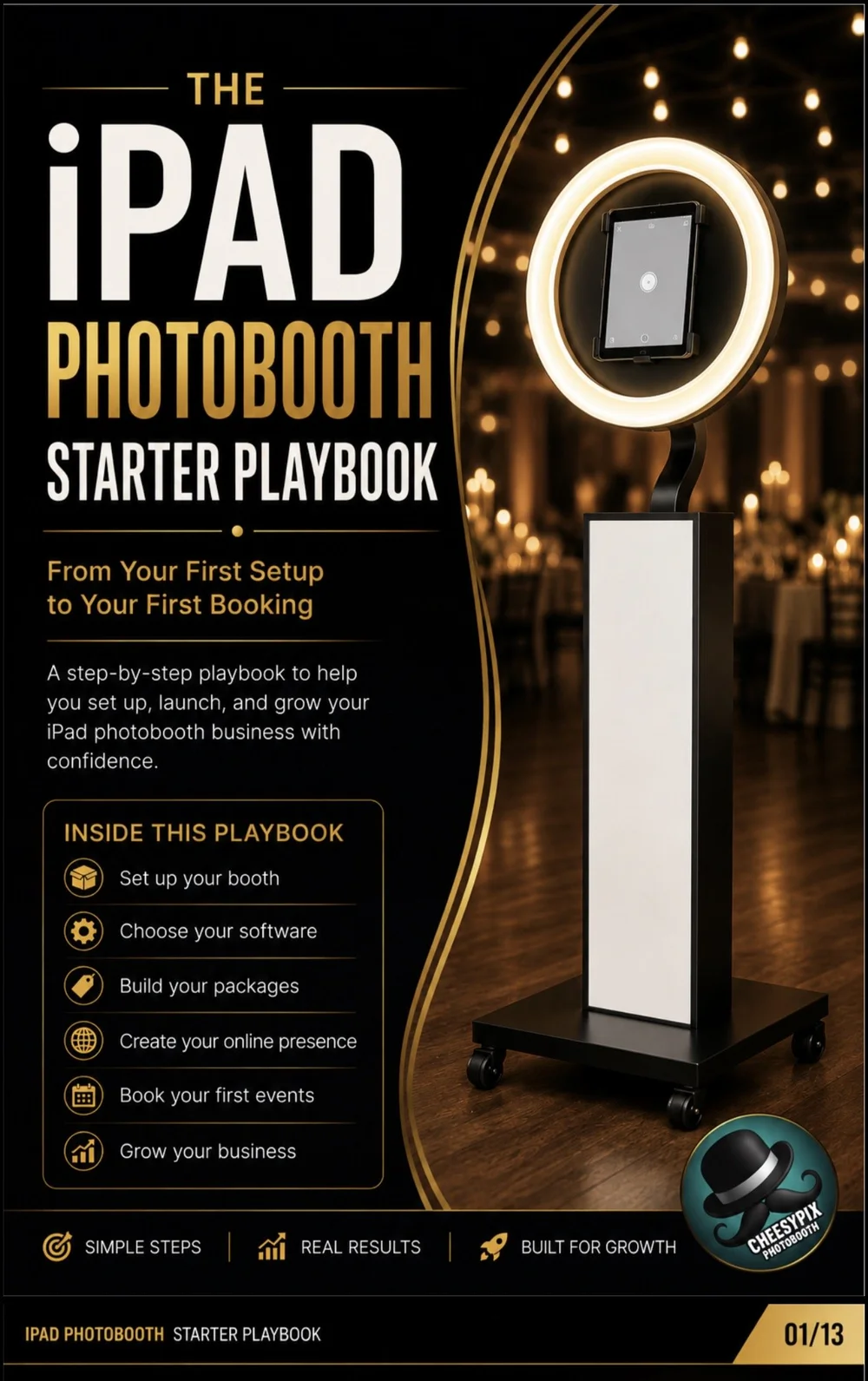
The iPad Photobooth Starter Playbook walks through that entire process in order.
CHOOSING AN IPAD FOR A PHOTO BOOTH
HOW SHOULD A BEGINNER CHOOSE AN IPAD FOR A PHOTO BOOTH BUSINESS?
Start with the booth itself. Find out which iPad sizes and generations the hardware is designed to support.
Next, check the requirements of the photo booth software you intend to use. A tablet that fits physically but cannot reliably run your chosen software is not the right device for the business.
Think about the experience you plan to sell.
A simple digital photo booth does not necessarily have the same hardware demands as an experience using more intensive video or processing features.
Choose enough storage.
Photos, videos, apps and event files consume storage. Give the booth enough room to operate without constantly managing a nearly full device.
Remember that lighting matters.
Even an excellent camera can produce disappointing results in poor lighting. A photo booth should be treated as a complete system: camera, lighting, software and guest positioning all work together.
Test the complete setup.
Once you have your iPad, install the software and create practice events. Test photo capture, templates, sharing, charging and extended operation before taking the system into a paid booking.
Upgrade when the business gives you a reason.
A new business does not need to solve every future problem on day one. Start with equipment capable of delivering the service you are selling now, then improve the system as bookings and customer needs grow.
IPAD PHOTO BOOTH FAQ
IPAD QUESTIONS. ANSWERED.
What is the best iPad for a photo booth business? +
The best iPad is one that is compatible with your photo booth hardware and software while providing enough performance, storage and camera quality for the services you plan to offer.
Do I need an iPad Pro for a photo booth? +
Not necessarily. A compatible and reliable iPad can operate a modern photo booth without automatically requiring the most expensive Pro model.
How much storage should my photo booth iPad have? +
Choose enough storage for your software, photos, videos and event files while leaving comfortable free space for normal operation.
Can I use a used iPad for a photo booth business? +
A used or refurbished iPad may work if it is compatible with your hardware and software and is in reliable condition. Test it thoroughly before using it for paid events.
Does the iPad camera matter for a photo booth? +
Yes, but camera quality is only part of the system. Lighting, guest positioning, software and the overall setup also affect the finished result.
Should I buy the iPad before buying the booth? +
It is usually better to confirm which iPad sizes and models your booth hardware supports before purchasing the tablet.
Can I start a photo booth business using only an iPad? +
The iPad can serve as the camera and operating device, but a working business also requires compatible booth hardware, lighting, software and the supporting event equipment needed for the experience you plan to offer.
GOT THE IPAD QUESTION ANSWERED?
NOW BUILD THE REST OF THE BUSINESS.
The iPad Photobooth Starter Playbook walks you from equipment and software through packages, marketing and your first bookings.