IPAD PHOTO BOOTH SOFTWARE FOR BEGINNERS
THE BEST IPAD PHOTO BOOTH SOFTWARE? WE USE LUMABOOTH.
If you're starting an iPad photo booth business and wondering what software to use, LumaBooth is the platform we recommend. It gives new owners a practical way to run real photo booth events without making the software the hardest part of the business.
OUR RECOMMENDATION
LumaBooth
CheesyPix uses LumaBooth in our iPad photo booth workflow. For beginners, we like having software that can handle the core booth experience without forcing you to become a software expert first.
Start With LumaBoothDisclosure: CheesyPix may earn a referral commission if you sign up through our LumaBooth link, at no additional cost to you.
SOFTWARE DOES A LOT OF THE HEAVY LIFTING
YOUR IPAD IS THE HARDWARE. THE APP MAKES IT A PHOTO BOOTH.
An iPad by itself is just an iPad. Photo booth software turns it into an event experience by managing photo capture, layouts, sharing and other guest-facing features.
That's why choosing software is one of the first real decisions a new photo booth owner has to make.
You do not need the software with the longest feature list. You need software that can reliably deliver the experience you plan to sell.
Start With the Full iPad Business Roadmap →WHY WE RECOMMEND LUMABOOTH
BEGINNERS NEED SOFTWARE THEY CAN ACTUALLY RUN.
Built for iPad Booths
LumaBooth is designed around the kind of iPad-based photo booth workflow many new owners are trying to build.
Guest-Friendly Workflow
Good booth software should make sense to guests quickly. You do not want to explain the interface to every person who walks up.
Digital Sharing
Digital sharing is one of the biggest advantages of running an iPad photo booth, and your software should make that process practical.
Custom Event Designs
Your booth software should let you create event-specific photo layouts instead of giving every customer the same generic experience.
Useful for Real Events
The important question is not whether the app looks impressive on a feature chart. It is whether you can depend on it during an event.
Room to Learn
A beginner can start with the core workflow and learn more advanced features as the business grows.
WHAT SHOULD PHOTO BOOTH SOFTWARE DO?
START WITH THE FEATURES YOUR CUSTOMER ACTUALLY SEES.
New owners can get distracted by giant software feature lists. The better place to start is with the guest experience you are promising to deliver.
Reliable Photo Capture
The booth has to capture photos consistently without creating unnecessary friction for the guest.
Custom Layouts
Create designs that match weddings, birthdays, corporate events, school dances and other bookings.
Digital Sharing
Give guests a practical way to receive and share their photos when your event setup supports it.
Event Setup
You need to be able to prepare the event before guests arrive instead of rebuilding everything from scratch on site.
Stable Performance
Fancy features are irrelevant if the booth cannot stay dependable through a real event.
BEGINNER PHOTO BOOTH SOFTWARE
DON'T TRY TO MASTER EVERYTHING BEFORE YOUR FIRST EVENT.
Learn the basic workflow first. Create an event. Build the photo layout. Test the camera. Practice sharing. Run through the experience as if you were a guest.
Then keep learning as your bookings give you a reason to add more features.
BEFORE YOUR FIRST PAID EVENT
BREAK IT AT HOME BEFORE A CUSTOMER CAN BREAK IT FOR YOU.
Run Full Sessions
Do not stop after one test photo. Run the booth repeatedly the way guests will actually use it.
Test the Weak Spots
Check sharing, internet-dependent features, charging, screen behavior and anything else that could interrupt the event.
Practice Recovery
Know what you will do if the app closes, the internet disappears or a setting gets changed during an event.
READY TO CHOOSE YOUR SOFTWARE?
START WITH THE PLATFORM WE USE.
If you're building an iPad photo booth business and need software, LumaBooth is our recommended place to start.
Learn the core workflow, practice with your booth, and build confidence before taking the setup into your first paid event.
Disclosure: CheesyPix may earn a referral commission if you sign up through this LumaBooth referral link. There is no additional cost to you.
SOFTWARE IS ONLY ONE STEP
NOW YOU NEED THE REST OF THE BUSINESS.
Choosing software solves one problem. You still need to choose equipment, create packages, establish your business online, use a contract, practice your workflow, find clients and build consistent marketing habits.
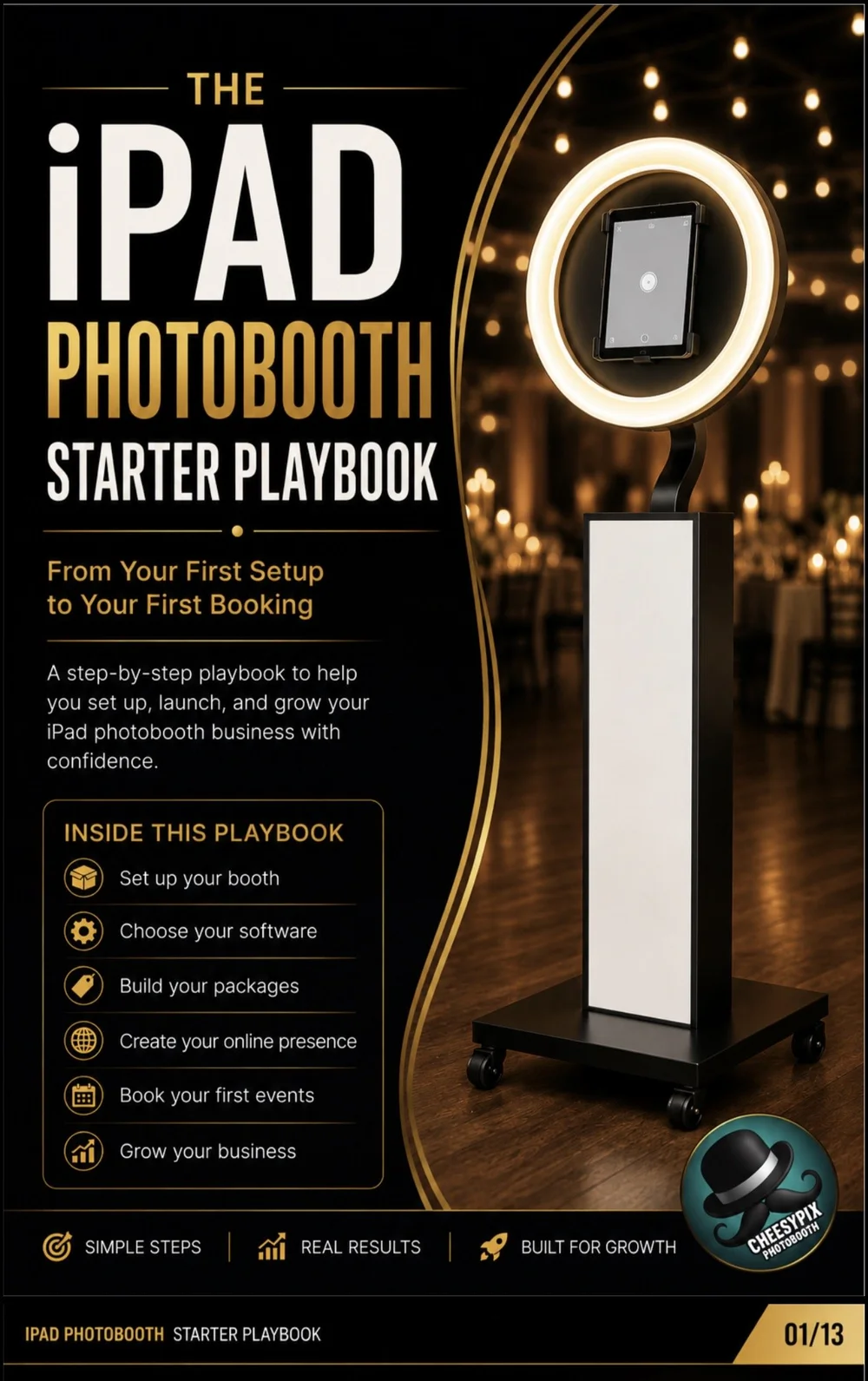
The iPad Photobooth Starter Playbook walks through that entire startup sequence one step at a time.
CHOOSING IPAD PHOTO BOOTH SOFTWARE
WHAT'S THE BEST PHOTO BOOTH APP FOR A NEW IPAD BUSINESS?
The best software for a new iPad photo booth business is software you can learn, test and operate reliably during real events. A beginner does not automatically need the platform with the most advanced features.
CheesyPix uses LumaBooth in our iPad photo booth workflow, which is why it is the software we recommend to new owners looking for a place to start.
Start with reliability.
Your booth is being used by real guests during a limited event window. The software needs to handle repeated sessions consistently without turning every event into troubleshooting practice.
Think about the guest experience.
The customer is not buying software. They are buying a photo booth experience. The interface should help guests move naturally through taking their photo and receiving the finished result.
Make sure you can customize events.
Weddings, corporate parties, graduations, birthdays and school events should not all look identical. Your software should support event-specific designs that make each booking feel intentional.
Practice digital sharing.
If digital delivery is part of your service, test it repeatedly before promising it to a customer. Understand what requires internet access and how your workflow behaves when connectivity is weak.
Learn the software before selling complicated packages.
It is easier to add features after you understand the basics than to sell an ambitious package and then discover you do not know how to operate it under event pressure.
Remember that software is only part of the business.
A great app will not create pricing, write your contract, build your website or find customers for you. Those pieces need to be built around the booth, which is why a startup roadmap matters as much as the software itself.
IPAD PHOTO BOOTH SOFTWARE FAQ
SOFTWARE QUESTIONS. ANSWERED.
What photo booth software does CheesyPix use? +
CheesyPix uses LumaBooth in our iPad photo booth workflow and recommends it as an option for new photo booth owners.
Is LumaBooth good for beginners? +
We believe LumaBooth can be a good starting point for beginners because new owners can focus first on learning the core event workflow and expand into additional features as they gain experience.
What should iPad photo booth software do? +
At minimum, look for reliable photo capture, event-specific layouts, practical guest flow and the sharing features required by the services you plan to sell.
Can LumaBooth be used for a photo booth business? +
Yes. LumaBooth is used for iPad-based photo booth workflows and can support the kind of event experience offered by photo booth businesses.
Should I test my photo booth software before my first paid event? +
Absolutely. Create practice events and test the full guest experience repeatedly before using your setup at a paid booking.
Do I need internet for an iPad photo booth? +
Some photo booth functions can depend on internet access, especially certain sharing or cloud-based features. Test your exact workflow and understand which features depend on connectivity before each event.
Is photo booth software enough to start a business? +
No. Software is one piece of the business. You also need compatible equipment, packages and pricing, a booking process, customer agreements, marketing and a dependable event workflow.
READY TO BUILD THE BOOTH?
PICK THE SOFTWARE. THEN BUILD THE BUSINESS AROUND IT.
Start with LumaBooth for the booth workflow, then use the iPad Photobooth Starter Playbook to work through the rest of the startup process.
Disclosure: CheesyPix may earn a referral commission when you sign up for LumaBooth through our referral link, at no additional cost to you.